Free for macOS

A quiet browser
for the Mac.

The parts of a browser you use every day.

Six things, done plainly.

Ads and trackers blocked

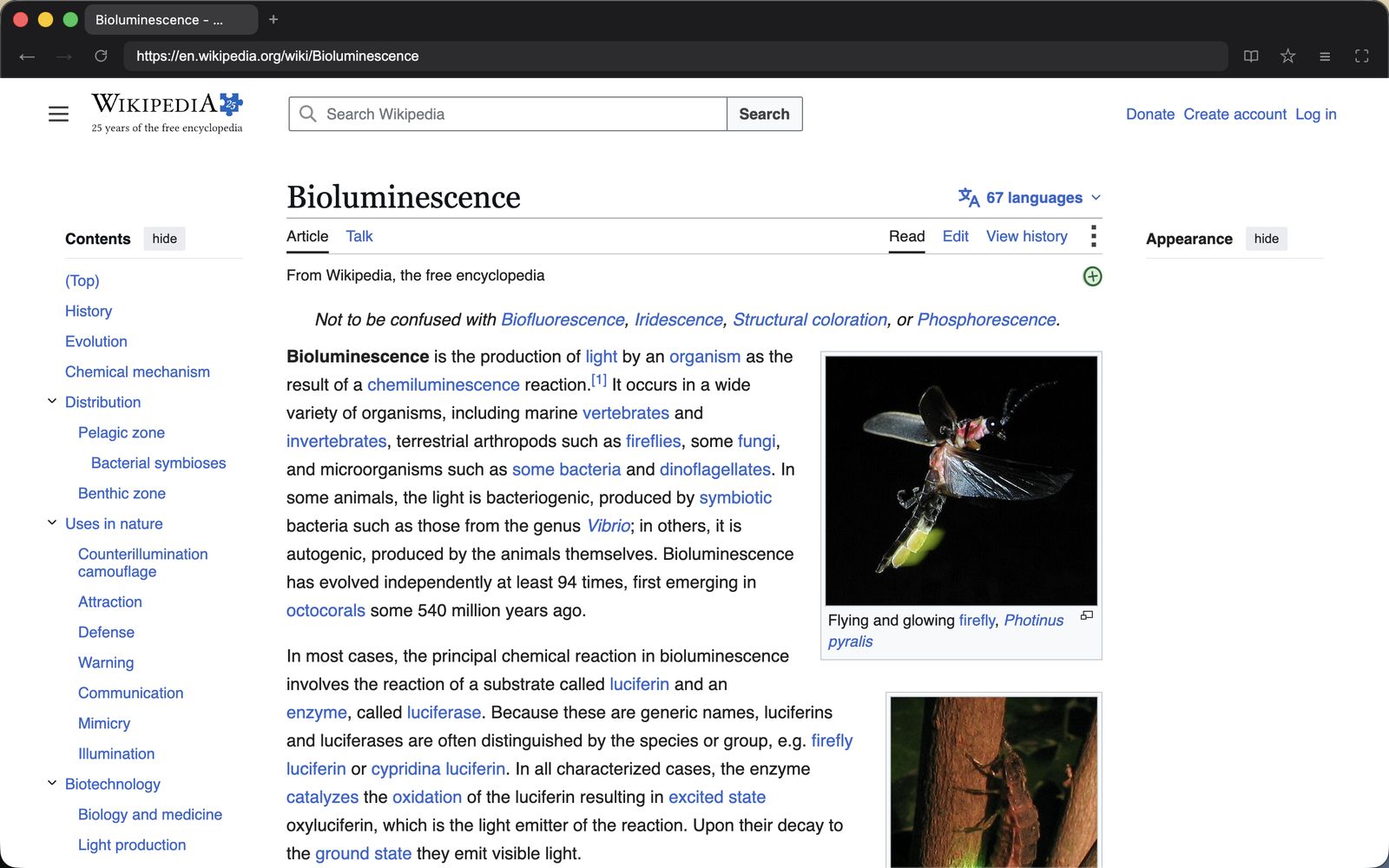
Ghostery filter lists run inside the app from the first page load. Nothing to install.

Reader mode

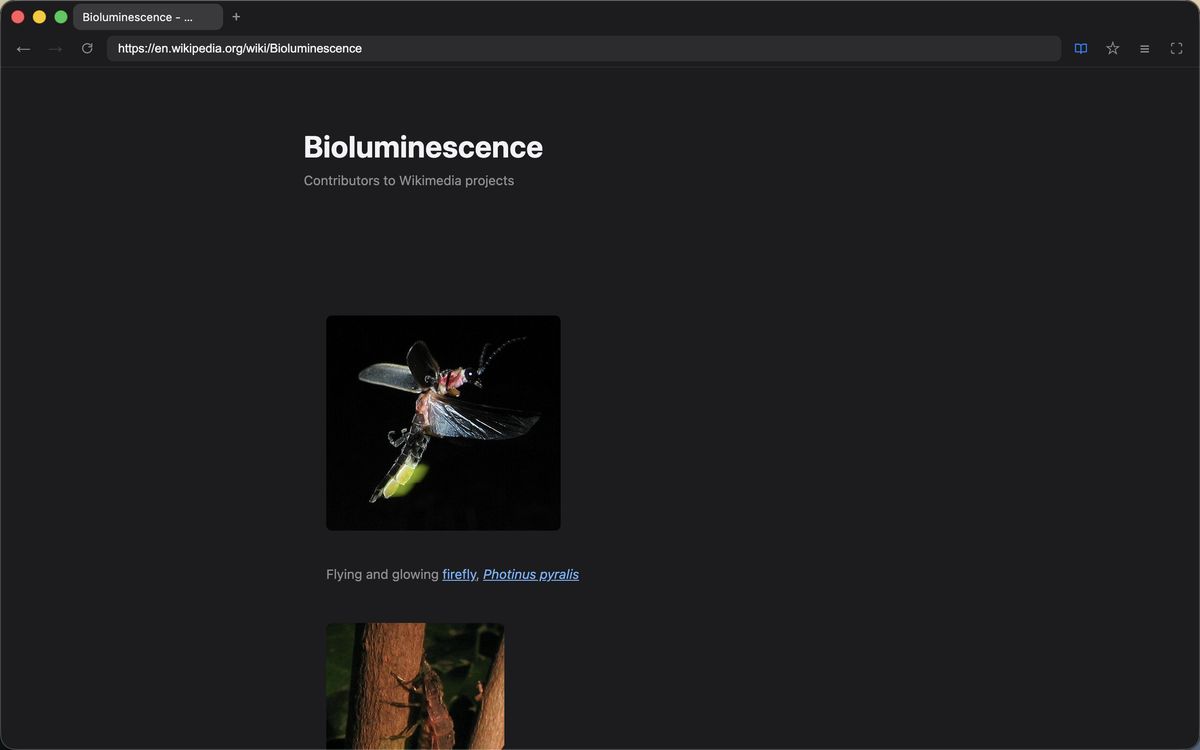
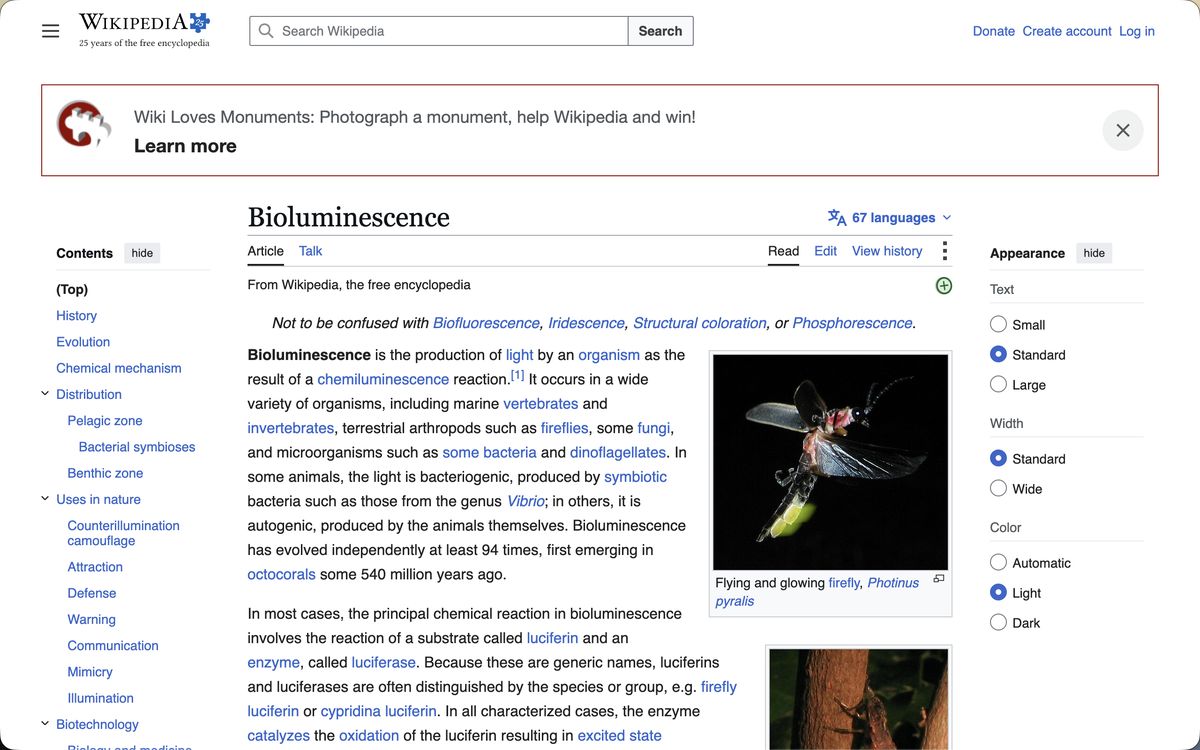
Press ⌘⇧R and the page is reduced to its text and pictures.

Focus mode

⌘⇧F hides the tab strip and toolbar. Move the mouse to the top edge to bring them back.

Tabs that behave

Drag to reorder, mute the one playing sound, reopen the one you just closed, jump to a tab by number.

Bookmarks, history, downloads

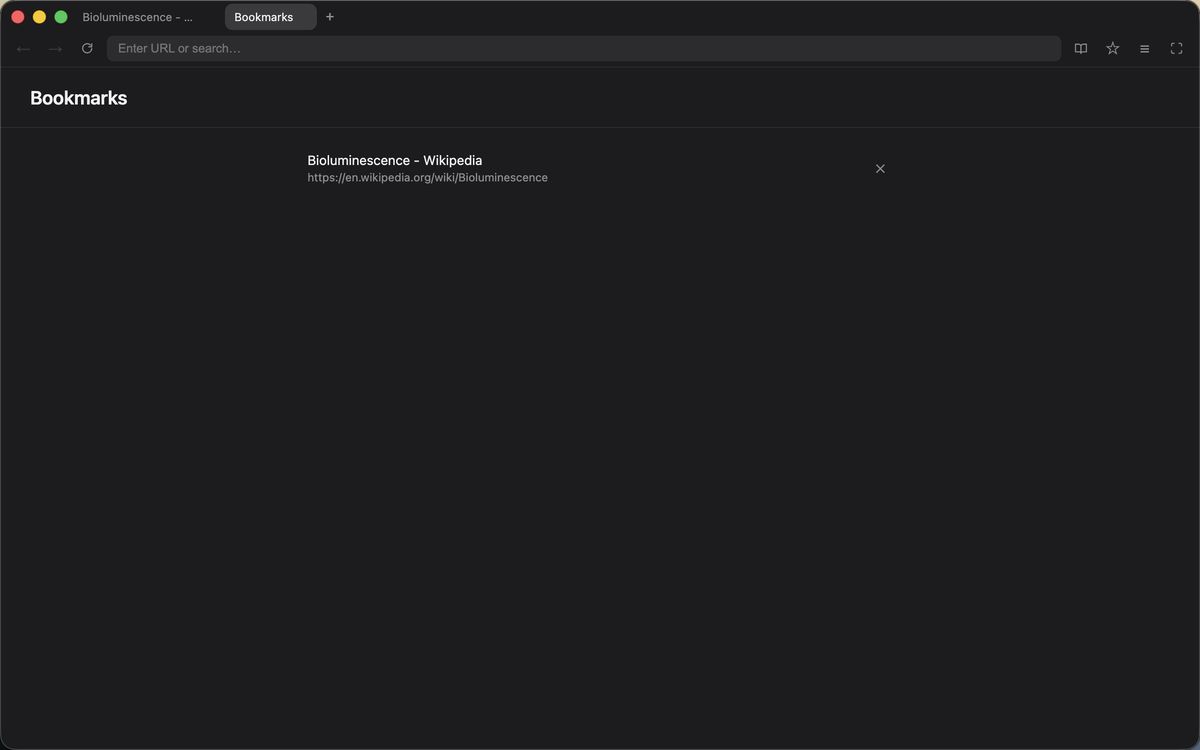
All three live in one panel. ⌘F finds text on the page.

Cleared when you quit

Cookies and cache go when the app closes. History is kept only while it runs.

Quiet is mostly about what is not there.

Every browser I tried kept getting busier. Nook is the one I wanted instead: it shows the page and then gets out of the way.

  • ×
    No accountNothing to sign up for. Open the app and browse.
  • ×
    No syncBookmarks stay in a plain file on your Mac.
  • ×
    No AI buttonFour buttons in the toolbar, and none of them summarize the page.
  • ×
    No usage dataNo telemetry, no crash reporting, no servers to send anything to.
  • ×
    No extension storeAd blocking is built in, so there is nothing to add.

Download Nook

Free. Universal build for Apple silicon and Intel Macs, signed and notarized by Apple.

Download for macOS